Free Online AI Photo Editor
Upload an image and describe what you want to change. Raphael AI transforms your edits into high-quality, precise results instantly.
 AI Edits, Epic Results.
What is Raphael AI Image Editing
Raphael AI is an advanced AI photo editor enhanced by Flux Kontext, giving you powerful text-to-image and image-to-image editing capabilities. Whether you want to enhance, retouch, modify, or completely transform a photo, Raphael AI understands your instructions with context awareness and delivers professional-quality results in seconds.
Powered by Flux Kontext
Flux technology enables precise, context-aware editing. Raphael AI can modify specific areas, preserve subject identity, maintain composition, transfer styles, and generate new elements while keeping the original photo consistent.
Free and Unlimited
Enjoy free, unlimited AI image editing with no sign-up required. Create as many edits as you want without restrictions.
Simple Image Upload
Upload any image and start editing instantly. Raphael AI’s clean and fast interface makes advanced AI photo editing effortless.
Edit Images with Text Prompts
Use natural language prompts to transform your photos. Ask Raphael AI to remove backgrounds, fix lighting, add objects, change styles, or replace elements—Flux performs accurate edits without breaking the composition.
High-Quality Results within Seconds
Raphael AI delivers crisp, detailed edits quickly, allowing fast iterations and creative freedom powered by Flux’s optimized architecture.
Flexible Output Options
Download AI-edited images in multiple sizes and resolutions. Perfect for presentations, social posts, product photos, design assets, and more.
Aspect Ratio Control
Generate or edit images in square, landscape, portrait, or custom formats. Flux adapts compositions intelligently to preserve layout and subject consistency.
How to Edit Images Effectively with Raphael AI
Key Principles
- Use a reference image: When editing, describe modifications, not an entirely new scene.
- Be clear and specific: Simple instructions create the most precise AI edits.
- Break down complex edits: Multi-step prompts help Flux maintain high fidelity.
Useful Action Verbs
Clear verbs help Flux understand your intention:
- Modify: Change, adjust, transform
- Add: Add, include, insert
- Remove: Remove, erase, take out
- Replace: Replace, swap, substitute
- Position: Move, shift, place
Prompt Templates
Try these structured templates for better control:
- Modify object: “[Action] the [object] to [result]”
- Replace text: “Replace ‘OLD’ with ‘NEW’”
- Style change: “Convert to [style] while preserving [details]”
Best Practices
Start simple and increase complexity gradually.
- One edit per prompt for best accuracy.
- Iterate step-by-step for advanced transformations.
Editing Text
- Use quotes for exact text you want changed.
- Specify if font style or color should remain unchanged.
Style Transfer with Flux
- Name specific styles for better results such as watercolor, oil painting, cinematic, or anime.
- When using a reference image: “Use this style and apply it to [area]”
- Describe the style’s texture, color, or mood to guide Flux more precisely.
Composition Control
- Tell Raphael AI what should NOT move.
- Example: “Change the background to a beach while keeping the person in the exact same pose and scale.”
- Use phrases like “maintain subject placement” or “only edit the environment.”
Troubleshooting
If the output is not accurate, try these adjustments:
- Avoid pronouns: Use clear descriptions instead of “him” or “her”.
- Preserve details: Add instructions such as “keep everything else identical”.
- Identity consistency: Describe changes, not new characters.
- Detailed styles: Include texture, lighting, and mood for style transfer.
Discover AI Image Inspiration
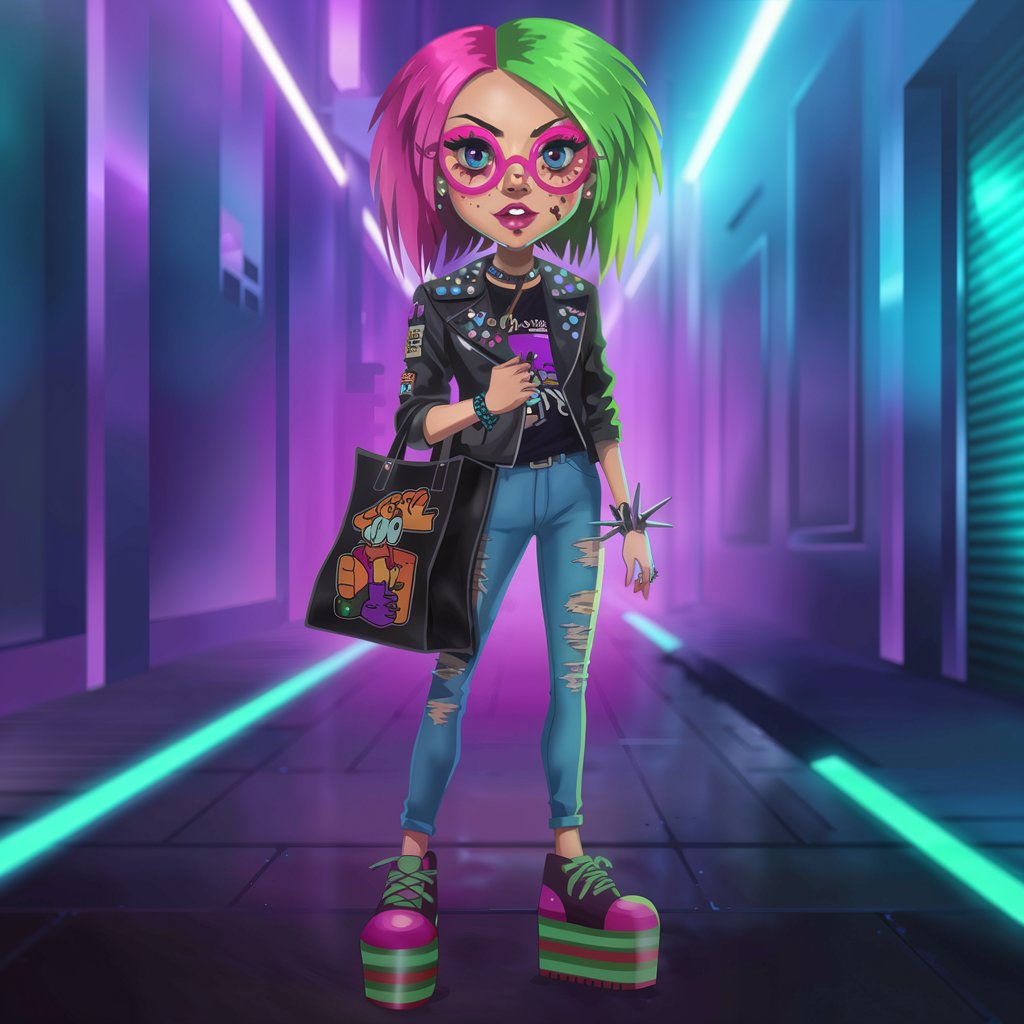
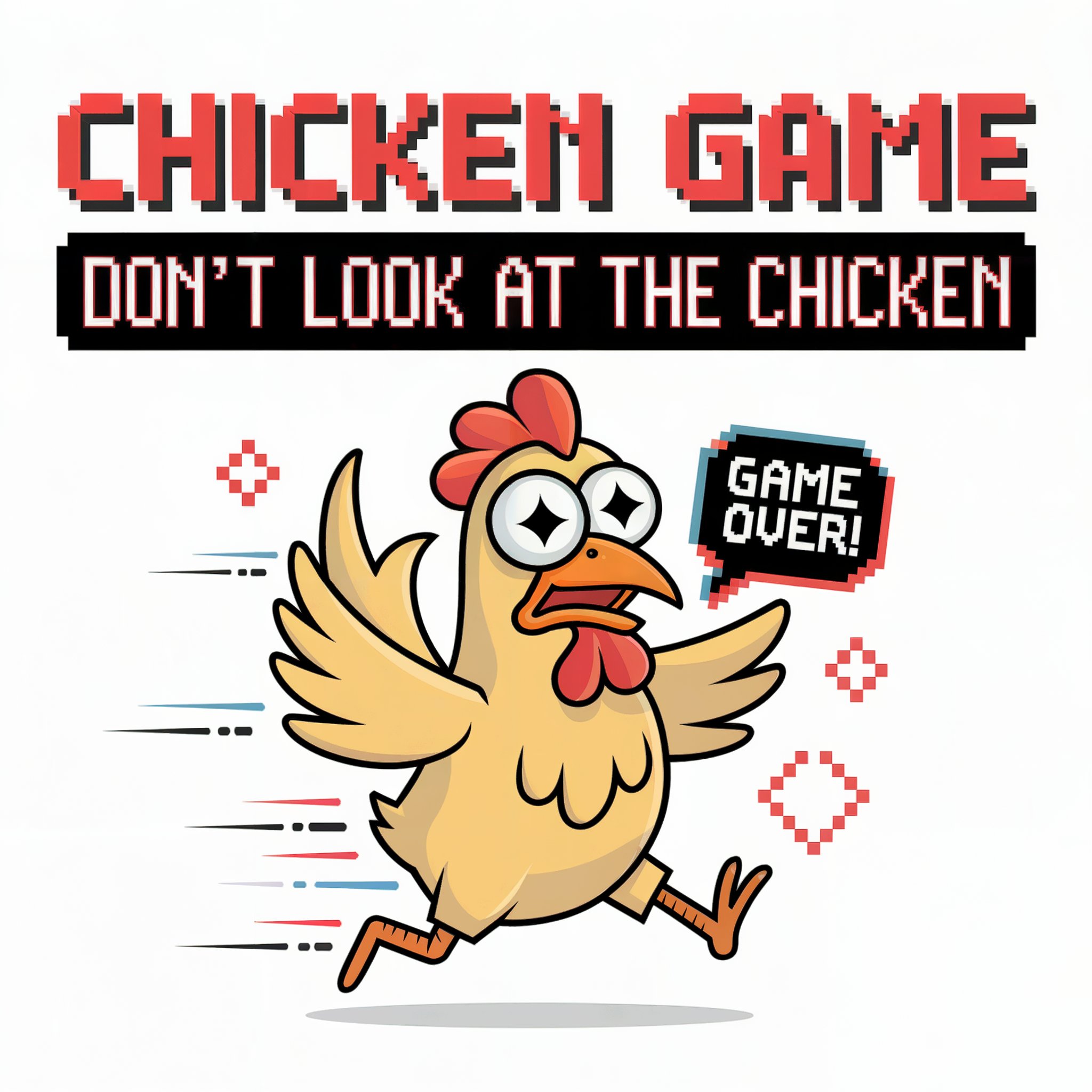
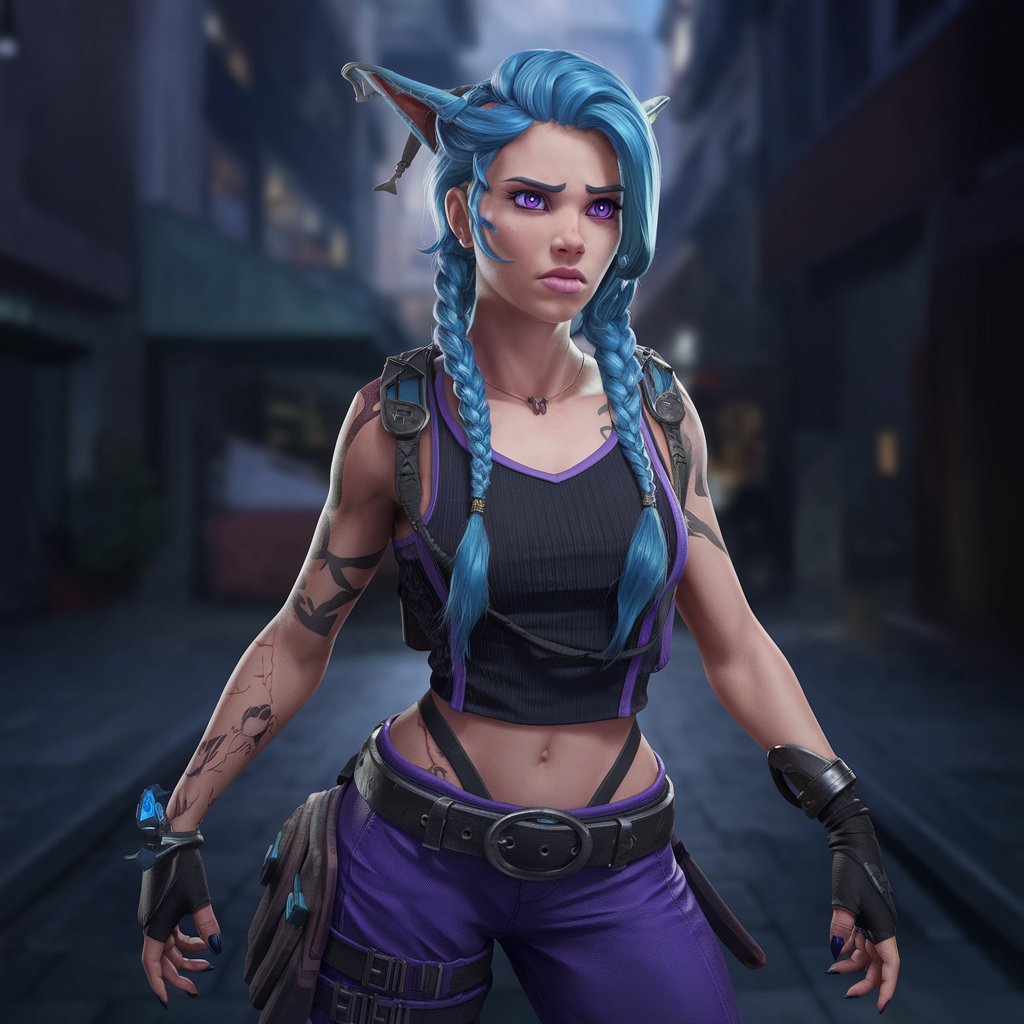
Explore AI-generated artwork and see what’s possible with Raphael AI and Flux Kontext image editing.