Free Online AI Image Generator
Use Raphael AI to create stunning AI-generated images for free. No login, no sign-up, no restrictions. Generate unlimited realistic or creative AI photos instantly, including uncensored content if desired.
 Dream It, Create It.
What is Raphael AI Image Generator
Raphael AI Image Generator is an advanced text-to-image tool that turns written descriptions into clear, detailed, and visually compelling images. It allows anyone to create professional-quality artwork by simply describing a scene, concept, product, or idea. Powered by modern AI models, Raphael AI understands context, style, and composition to produce results that match your creative intent whether you are designing visuals, exploring artistic styles, or developing new concepts.
Free and Unlimited Access
Create as many images as you want with no sign-up required. Enjoy fast, high-quality AI generation for free.
Advanced Text to Image
Generate photorealistic portraits, cinematic scenes, products, landscapes, anime, concept art, and more. Flux-inspired rendering ensures accurate details, natural lighting, and visually rich compositions.
Precise Style and Mood Control
Guide lighting, atmosphere, and camera perspective. Create scenes with golden hour tones, studio light setups, soft cinematic glow, dramatic shadows, and more.
Consistent Character Creation
Keep characters consistent across multiple poses, scenes, and styles, ideal for storytelling, branding, comics, and creative worldbuilding.
High-Resolution Output
Produce crisp, professional-quality images suitable for digital projects, social media, print materials, and commercial use.
How to Generate Stunning Images with Raphael AI
Describe your subject, environment, lighting, and style to guide the text-to-image model toward your ideal result.
Step 1: Write Your Text Prompt
Start with a simple description or add details for more accuracy. Example: "A peaceful sunset over a mountain lake with a warm golden glow."
Step 2: Set the Scene and Style
Add context such as background, atmosphere, or artistic direction. Example: "Cinematic lighting, photorealistic style, soft mist over the water."
Step 3: Refine Mood and Lighting
Adjust colors, shadows, tone, and emotional feel through descriptive phrasing. Example: "Warm highlights, gentle contrast, calm atmosphere."
Step 4: Generate and Improve
Click 'Generate' and review the result. If needed, refine your prompt to enhance details, clarity, or mood.
Step 5: Download and Share
Save high-resolution outputs and use them for artwork, design, social media, or creative projects.
Example Prompt: "A serene forest clearing at sunrise, warm rays filtering through tall trees, photorealistic style, cinematic depth."
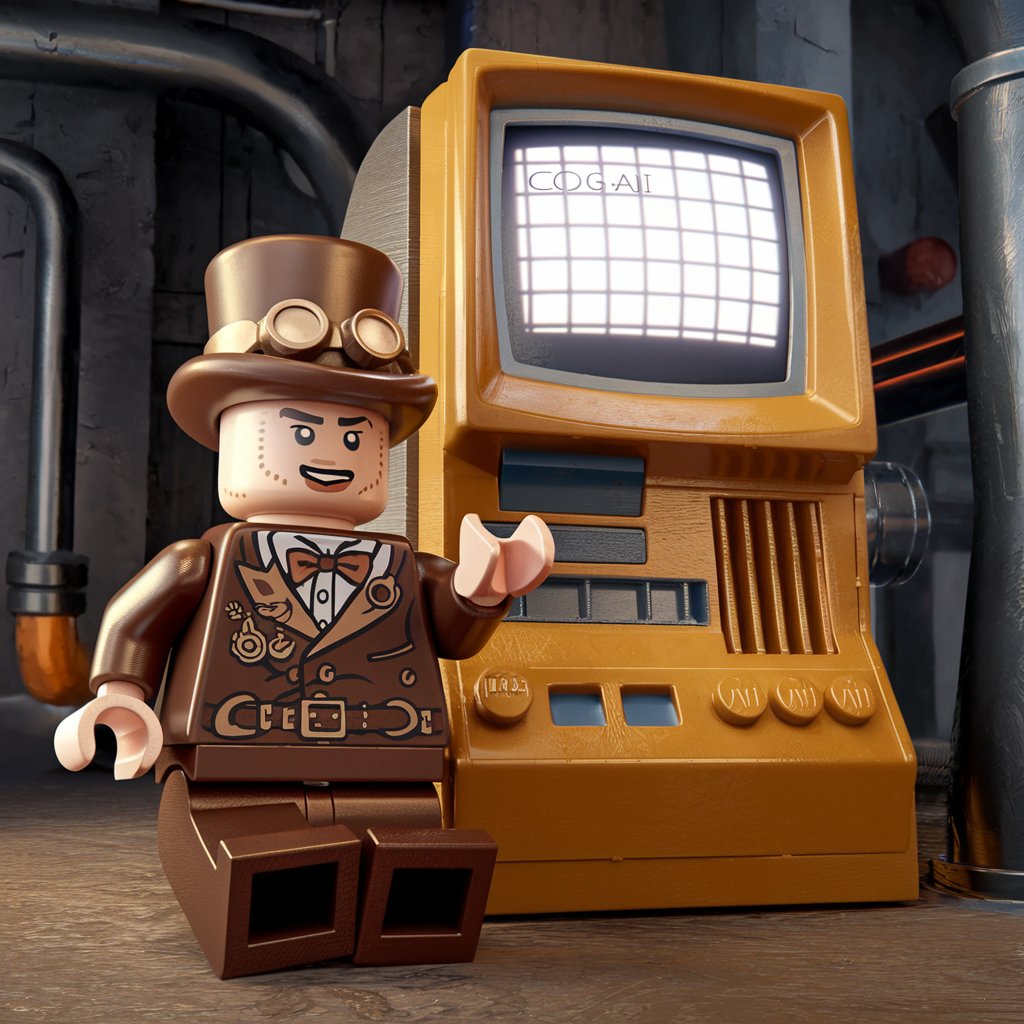
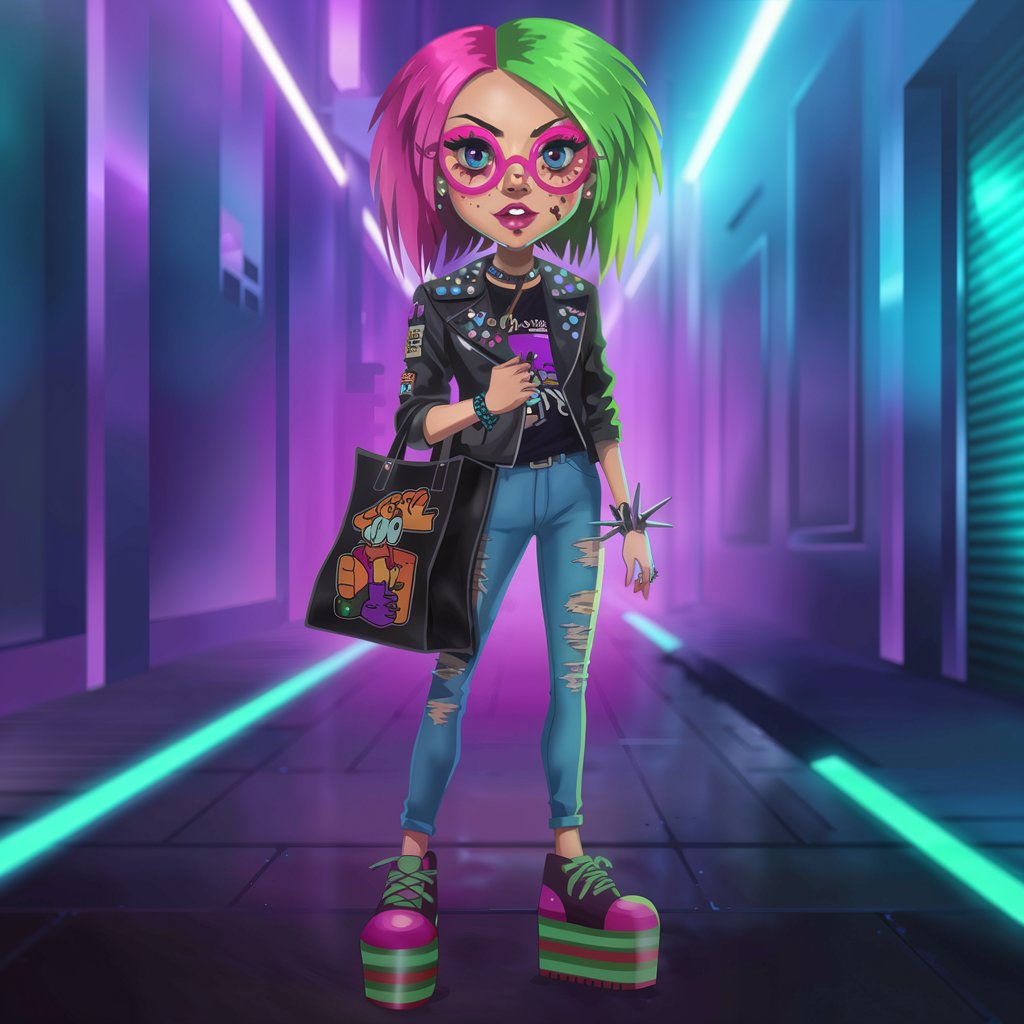
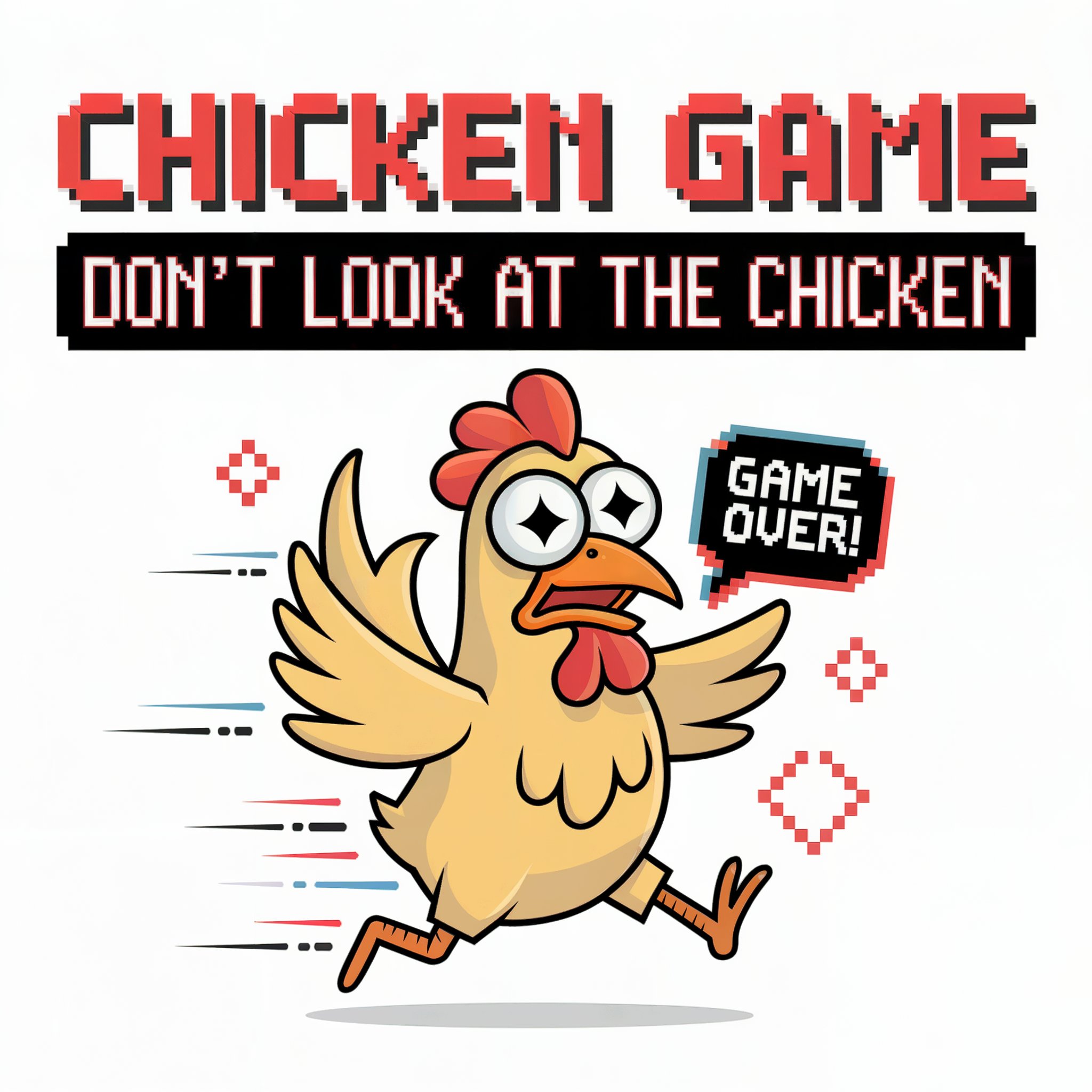
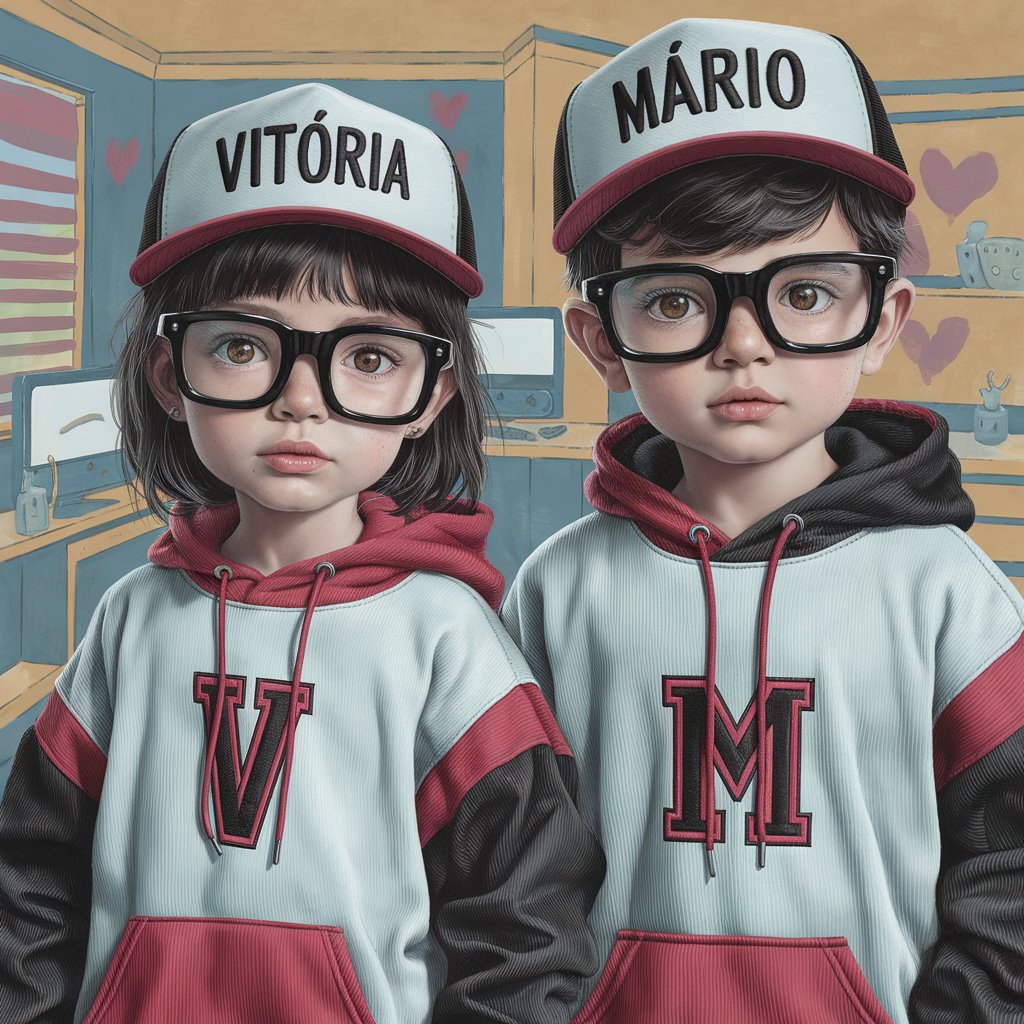
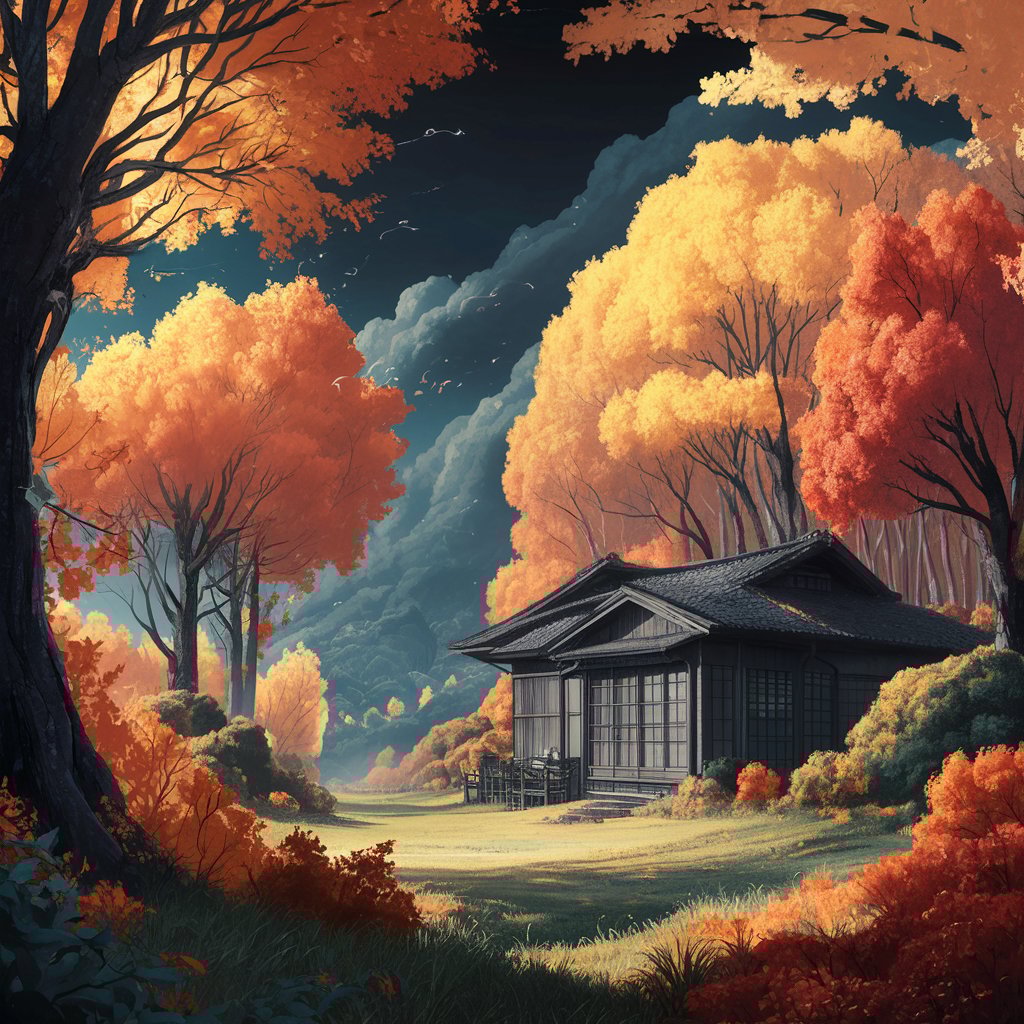
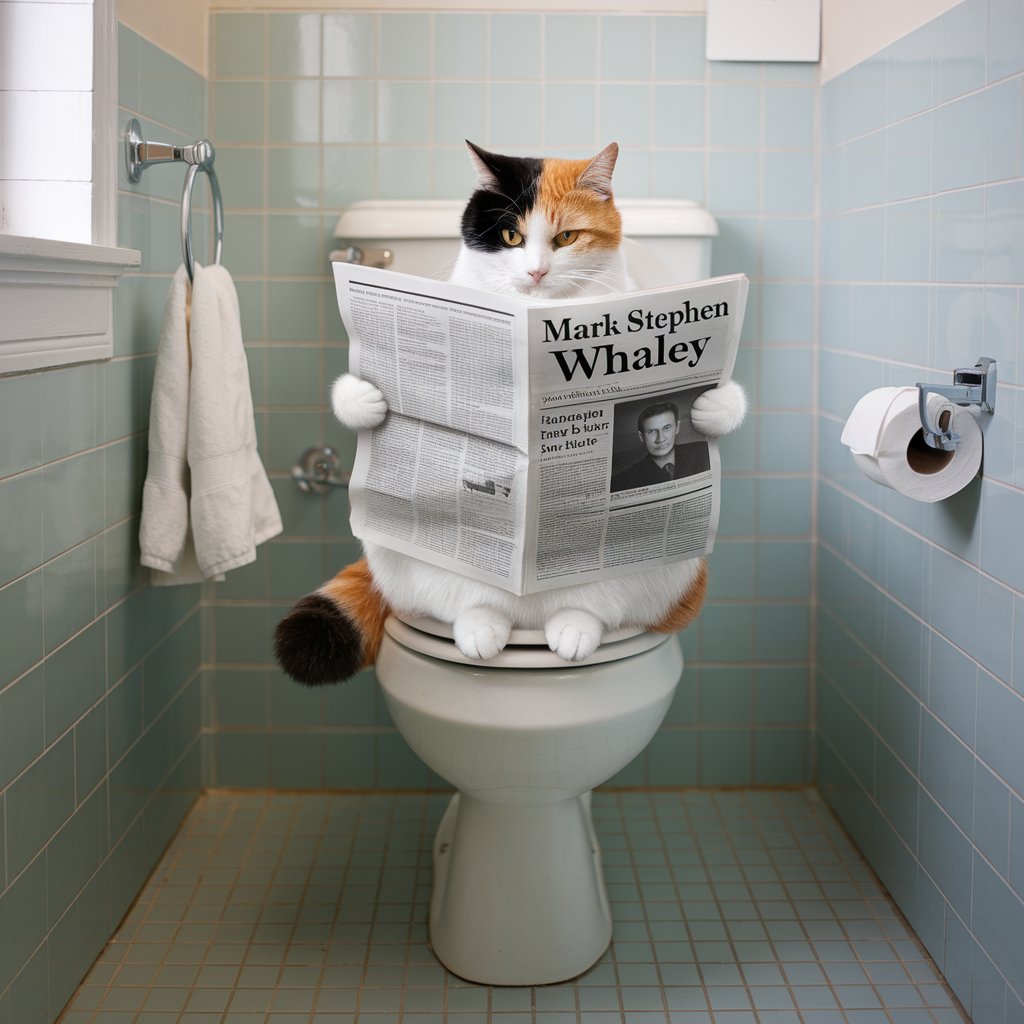
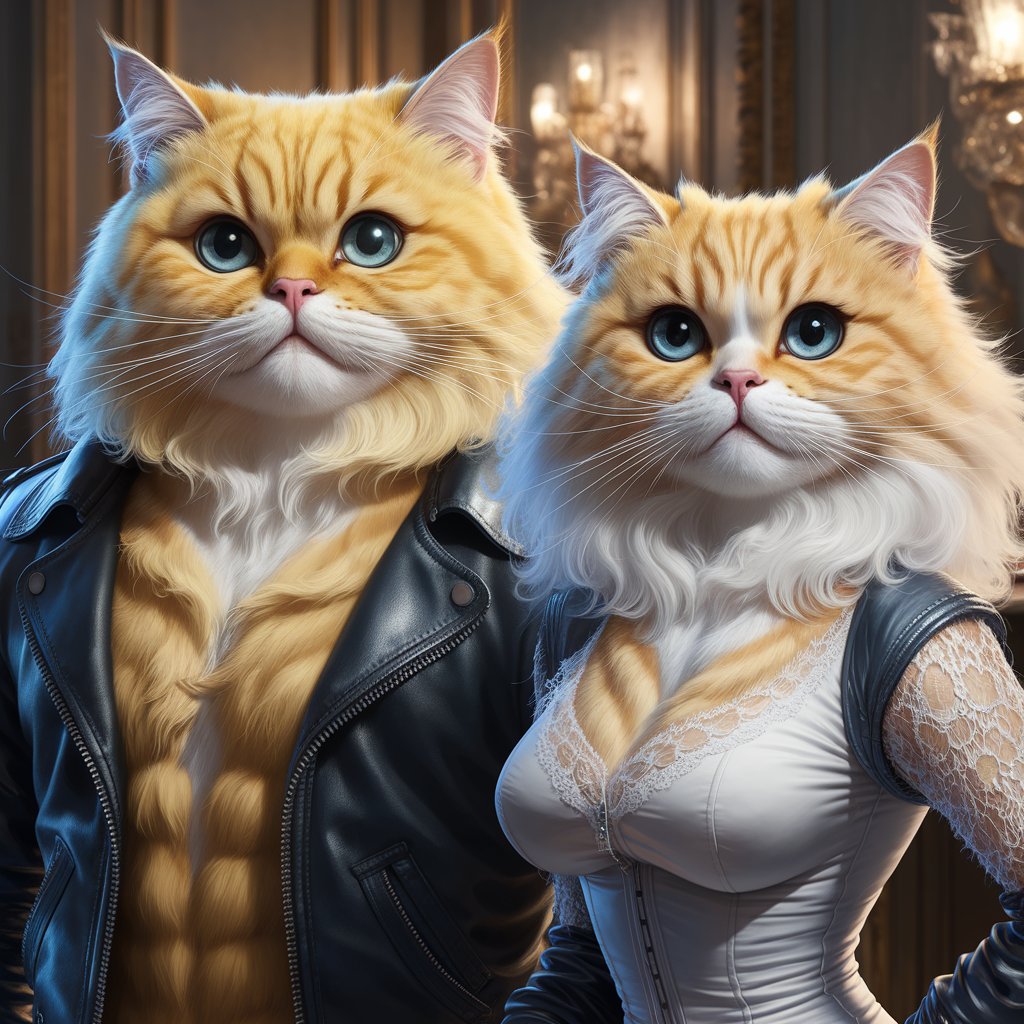
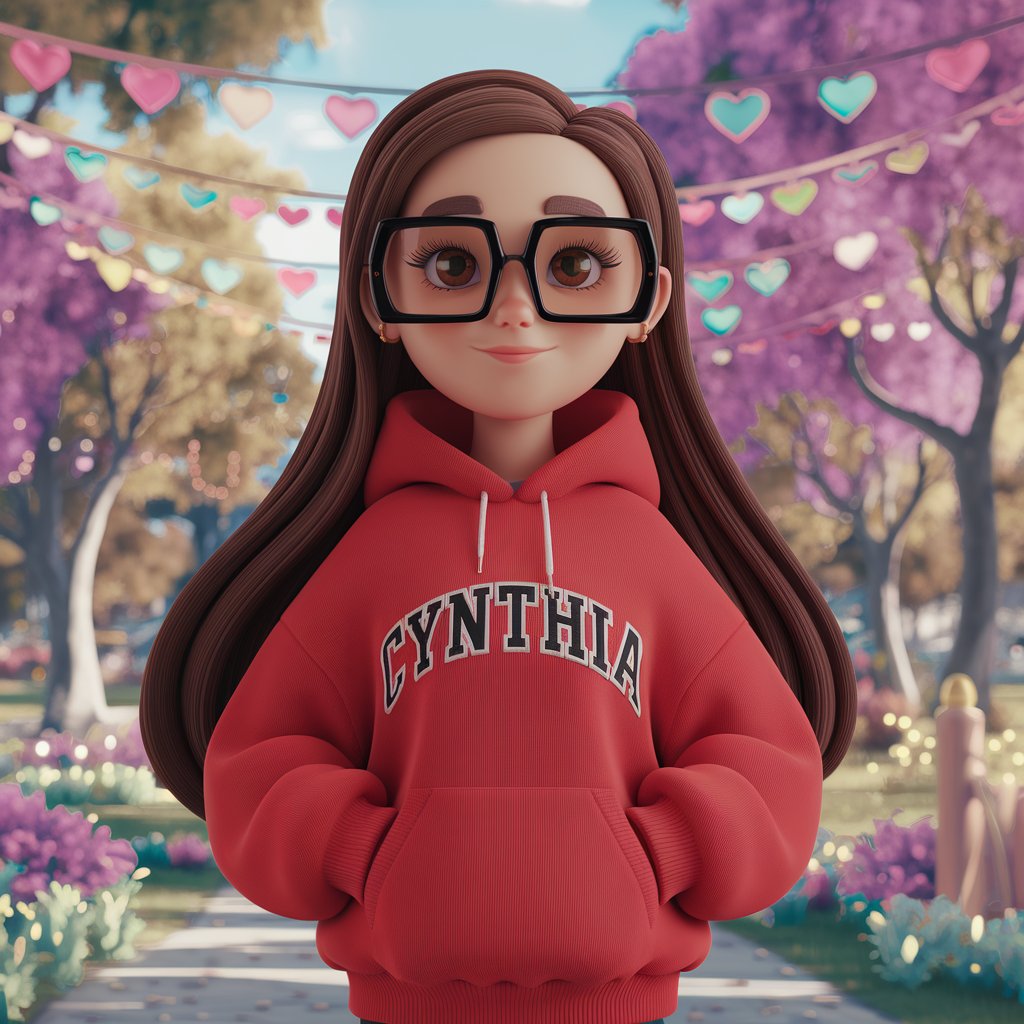
Discover Your AI Image Inspiration
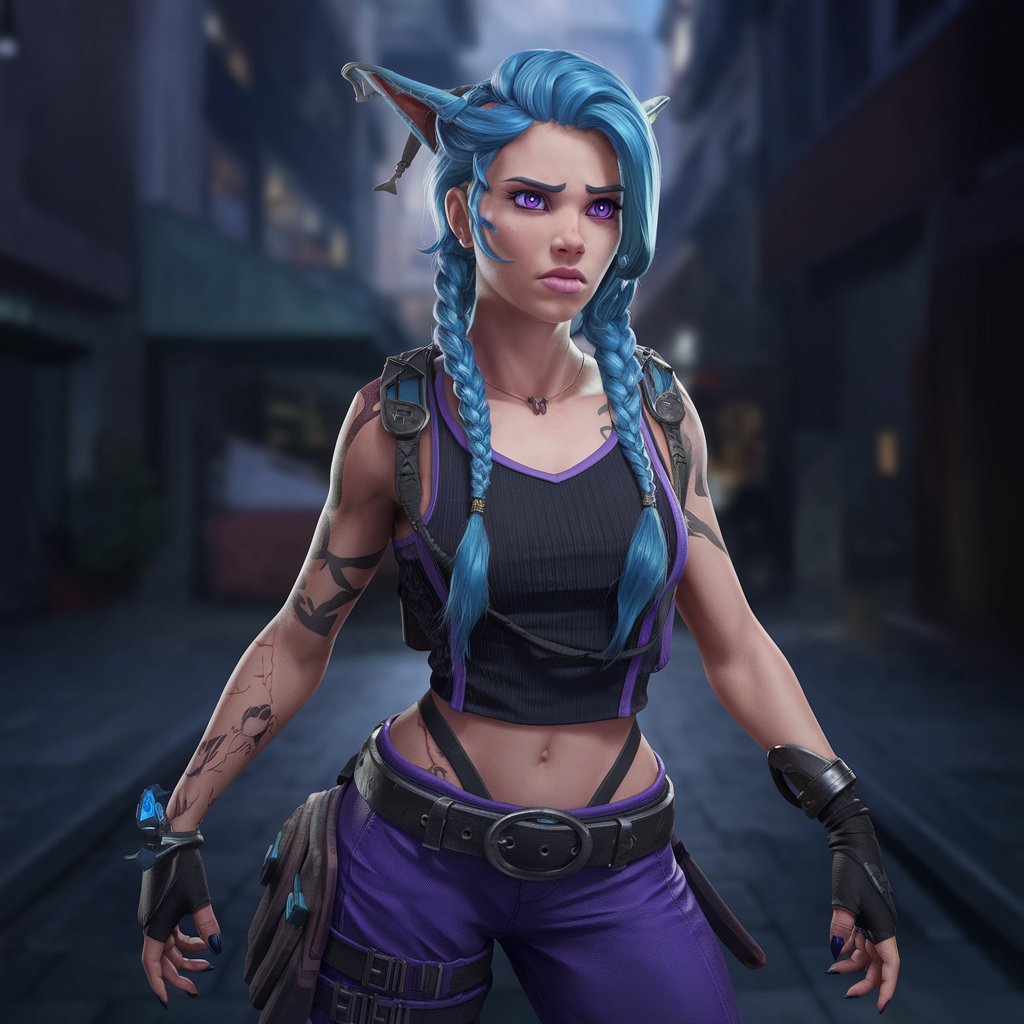
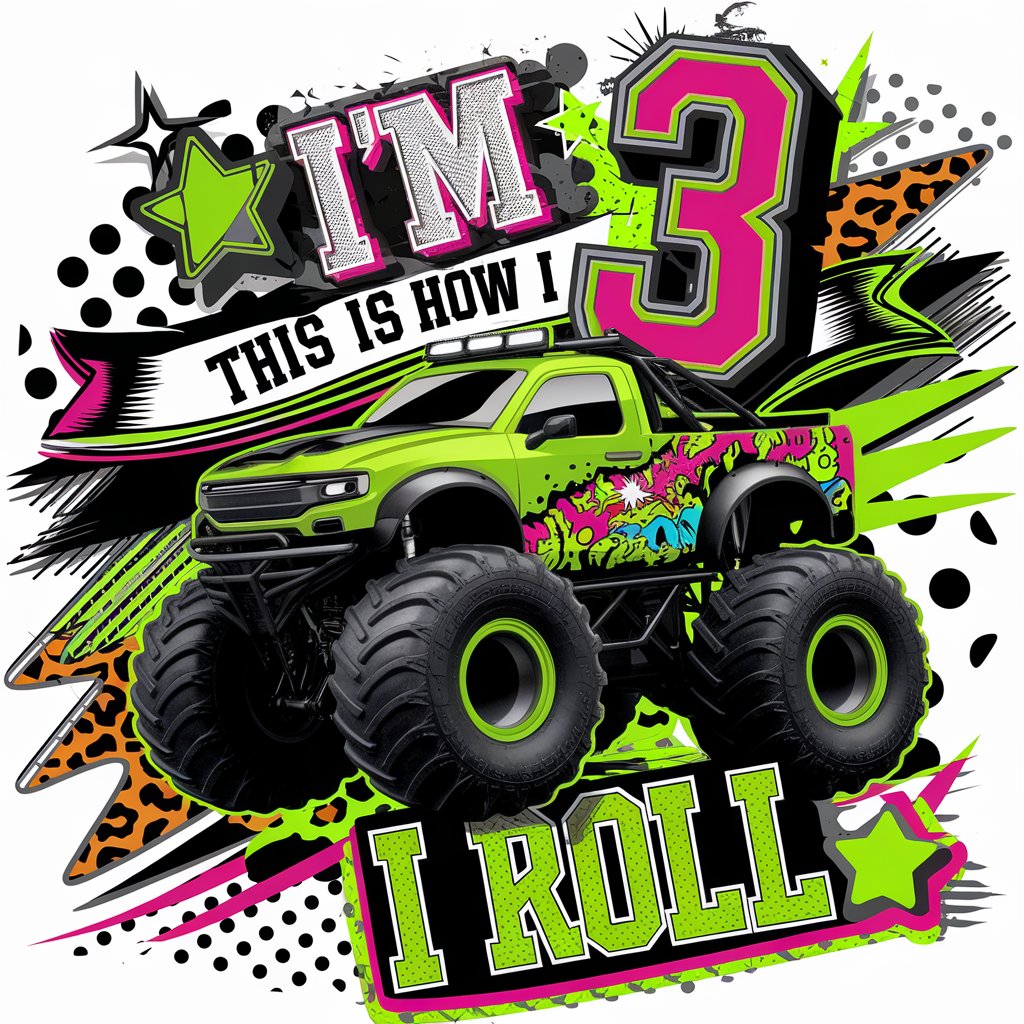
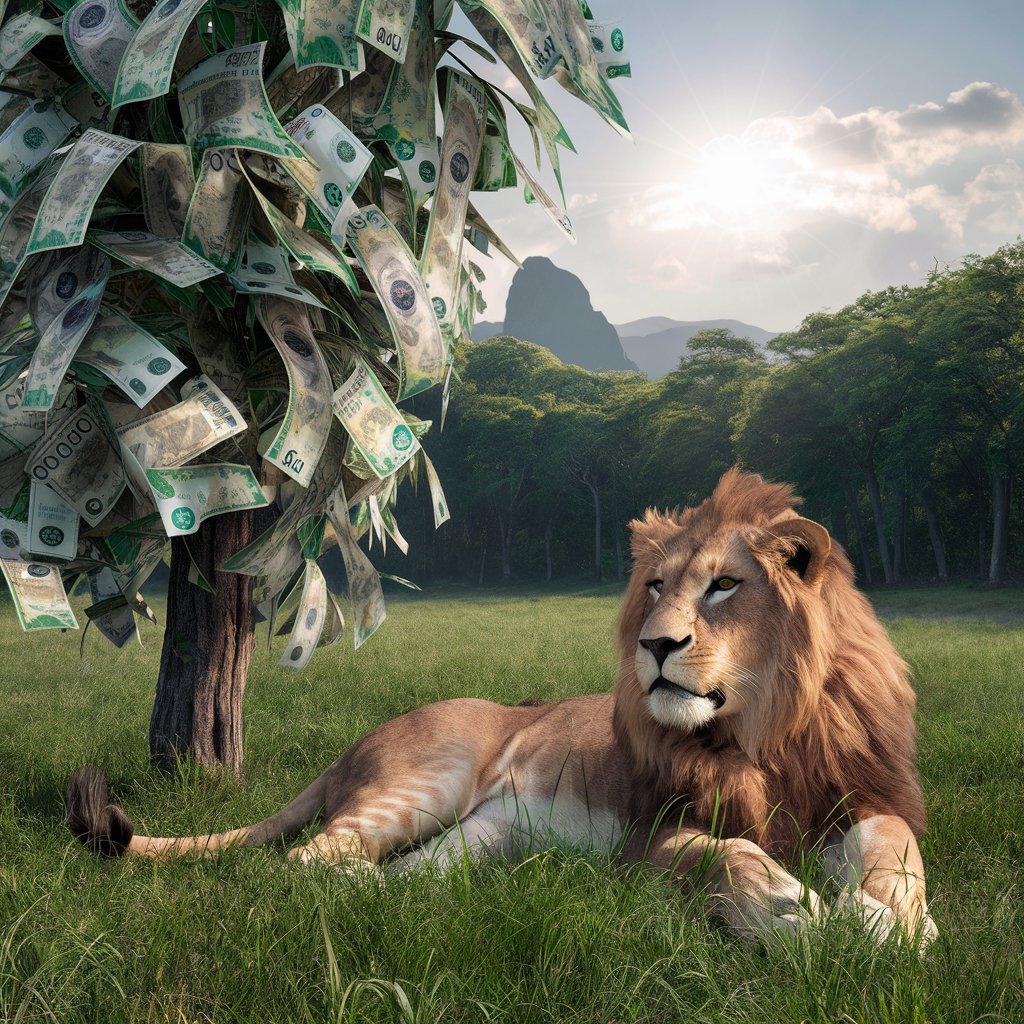
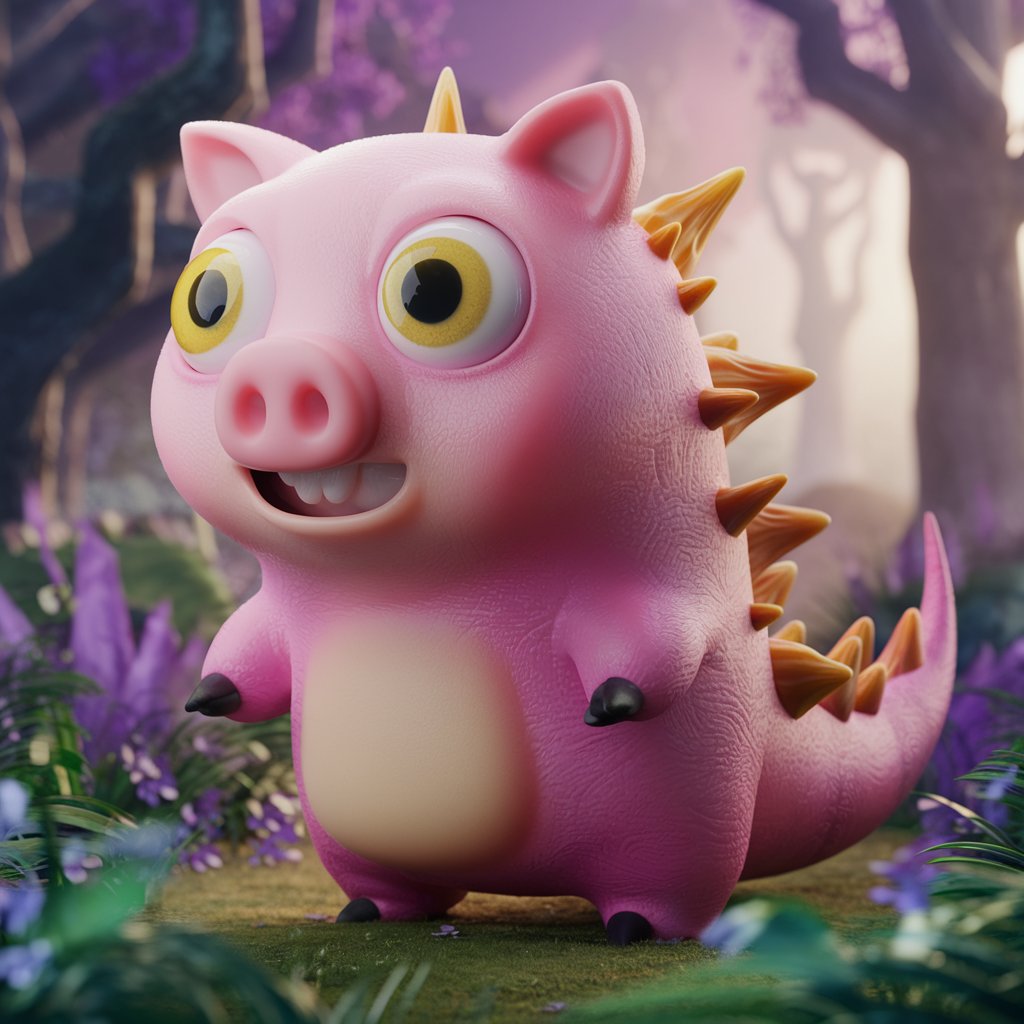
Explore AI-generated images to spark your creativity and discover endless possibilities with Raphael AI.